Website redesign and SEO: reduce avoidable risk
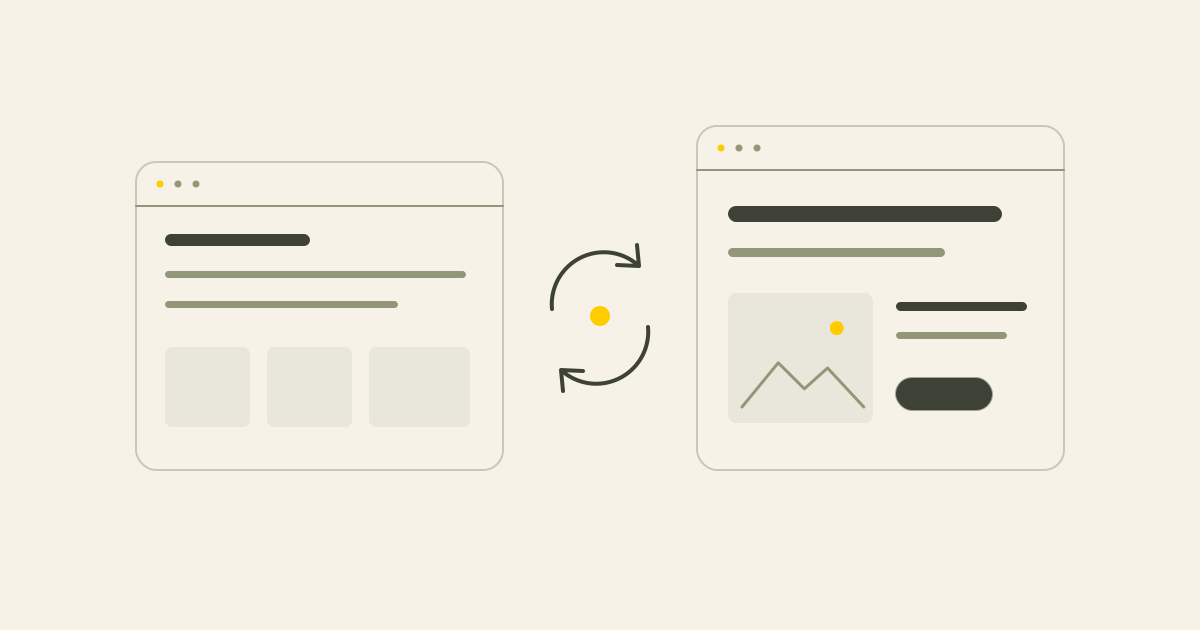
A redesign changes more than appearance. Record the current position, plan what happens to each page and check the transfer before and after launch.
In this article
Short answer
Inventory the existing pages, URLs, search data, metadata, links and useful content before rebuilding. Decide what stays, improves, merges or needs a permanent redirect. Check indexing, redirects, the sitemap, measurement and important pages after launch. No migration can guarantee unchanged rankings.
Key points
- A redesign should carry useful information and existing value into the new website.
- Changing URLs, removing content and missing redirects or measurement create avoidable problems.
- A baseline, page map and launch checks provide evidence for decisions and follow-up.
You may want a clearer design or easier CMS while keeping the search visibility and useful pages already built up. The visual change is only part of that job. Changes to content, URLs, headings, links and technical setup also need a plan.
1. Why a redesign can affect SEO
Problems often arise when people and search engines can no longer reach the information they previously found. A colour or typeface change alone is rarely the main issue.
Changed URLs, missing service pages, shortened useful content, incorrect canonicals, launch-time noindex settings, sitemap problems, slower pages and missing measurement all deserve attention.
2. Record the starting point
Use Search Console for organic impressions, clicks, queries and landing pages. Use website analytics for relevant behaviour and contact events. Record what the measurements do and do not establish.
A high-traffic article is not automatically more important than a service page with fewer but relevant visits. Review commercial function, external links and local usefulness as well as traffic.
A baseline helps distinguish technical problems from changes in season, advertising, tracking or ordinary fluctuations.
- Pages receiving organic clicks
- Queries and impressions
- Pages associated with meaningful contact actions
- Pages with external links or local relevance
- Information you should not change without a clear reason
3. Build a current URL inventory
Combine the sitemap with a crawl, Search Console exports, analytics landing pages and the CMS. Include services, cases, articles, older landing pages, PDFs and useful downloads.
Pages no longer in a menu may still receive visitors or links. A spreadsheet can be sufficient for a small website, but each URL needs a deliberate decision.
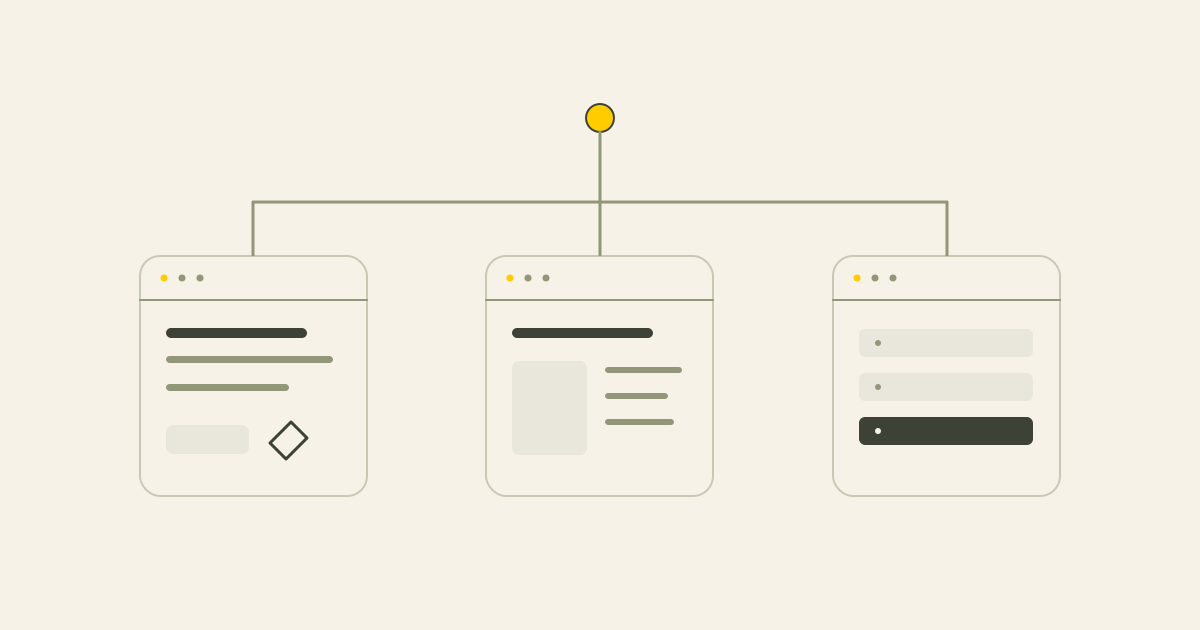
4. Decide what happens to every useful page
The aim is not to keep everything indefinitely. It is to avoid removing or rewriting information without understanding its role.
| Decision | When it may fit | What to preserve or check |
|---|---|---|
| Keep | The page or URL is useful and fits the new site | Purpose, content and links |
| Improve | The intent is still right but the information needs work | Important subjects, evidence and practical details |
| Merge | Several pages substantially overlap | A relevant destination and appropriate redirects |
| Remove | The page no longer serves a useful purpose | Review traffic, links and alternatives before choosing 404 or 410 |
5. Keep useful URLs where possible
Do not change a clear, suitable URL only because a new address looks tidier. An address change needs processing and can introduce fluctuations.
There may be a good structural, technical or content reason to change it, such as a new service structure or merged pages. Make that reason explicit.
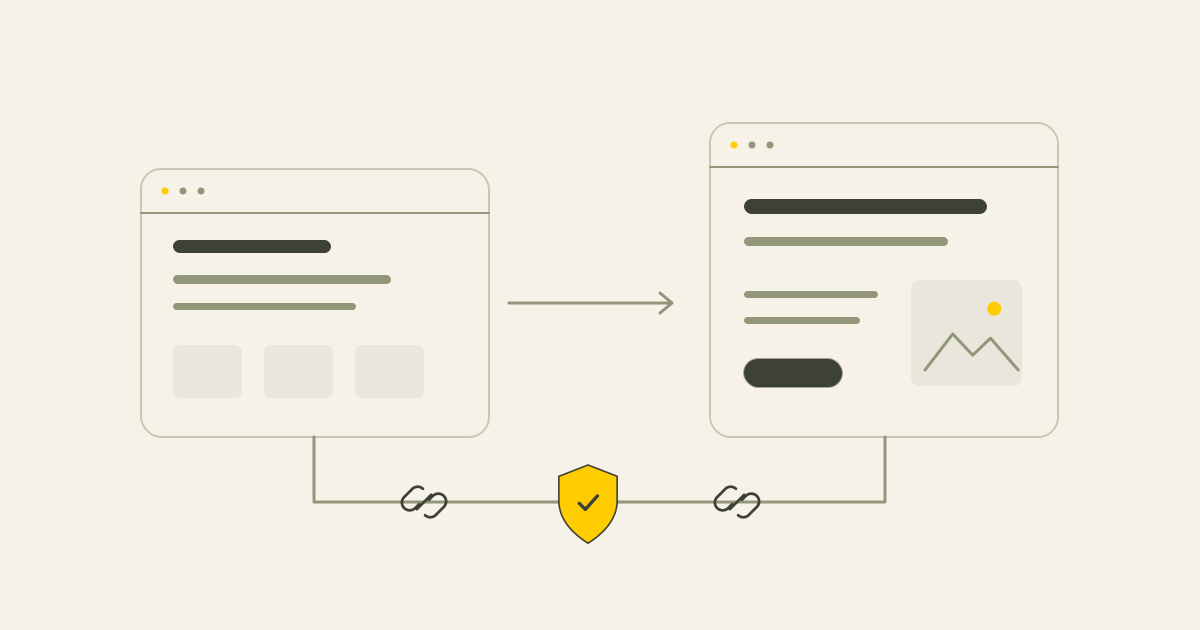
6. Plan relevant permanent redirects
A 301 redirect indicates a permanent move. Map an old page to the closest appropriate new destination, rather than sending every removed page to the homepage.
Avoid unnecessary redirect chains and loops. Include useful PDFs and downloads, which may have their own visitors and links.
A generic service page is not automatically a suitable substitute for a removed document.
| Old content | Poor destination | More useful destination |
|---|---|---|
| An old SEO service page | Homepage | The corresponding current SEO service |
| A redesign service | An unrelated contact page | The current website-redesign page |
| A website-cost article | The article index | The current article about website costs |
| A downloadable checklist | Homepage | An equivalent updated checklist, or a deliberate not-found response if none exists |
7. Preserve the useful substance of the content
A clearer page may be shorter, but it should still answer the questions that gave it value. Retain relevant service details, local context, questions, examples, cases and evidence.
Do not replace a useful service page with a brief homepage paragraph simply to reduce the number of pages. Improve outdated content while preserving its purpose.
8. Carry headings, metadata and internal links across
New templates and CMS setups can quietly lose page titles, descriptions, meaningful headings, article links, breadcrumbs, image descriptions and structured data.
Check important pages individually and review the menu, footer and contextual links. If the CMS changes, confirm how the relevant SEO fields will be managed.
The CMS guide explains why the editing setup belongs in the project scope.
9. Check the staging website before launch
Use the preview for technical checks as well as design feedback. Review robots settings, noindex, canonical destinations, sitemap URLs, links, forms, measurement, mobile use and content access.
A preview may intentionally be excluded from indexing. Confirm the appropriate production setting at launch, so it is not carried across by mistake. Canonicals should use the correct production destinations, not a staging hostname.
10. Review performance and mobile use
Images, scripts, fonts, animations and banners can make a redesigned website heavier. Review the pages while the work is being built, rather than treating performance as an afterthought.
Check loading, responsiveness and visual stability, along with the actual mobile contact journey. Core Web Vitals provide useful technical context.
11. Update the sitemap and review Search Console
The sitemap should contain the intended canonical pages, not staging URLs or addresses that redirect elsewhere. Use complete absolute addresses.
A sitemap does not guarantee indexing. Review important URLs, redirects, not-found responses and indexing in Search Console after the launch, including during the following weeks.
12. Carry measurement and contact routes across
Broken analytics can look like a fall in enquiries when the measurement has actually changed. Check relevant events and record the launch date in reporting.
Review successful form sends and receipt separately from form clicks. Review phone and email interactions separately from completed conversations. The site owner should confirm any real message-delivery test.
For an online shop, contact is only one part of the journey. The Black Friday checklist also covers prices, stock and ordering checks.
13. Plan checks immediately after launch
Reserve time for initial checks and a second review after the site has been in use.
First hour
Review the homepage and key services, mobile layout, contact routes, robots settings, noindex, canonicals, sitemap, important redirects and measurement.
First week
Review indexing and not-found reports, test old addresses from the redirect plan, follow relevant search and enquiry data and crawl the new site for technical errors.
14. A small redirect plan or a wider migration?
The scope depends on how much changes and how much useful search history is involved. Not every small rebuild needs a large migration programme.
| A smaller plan may fit | Wider migration support may fit |
|---|---|
| Same domain and a few URL changes | A domain change |
| Few articles or landing pages | Many content pages or important external links |
| Limited organic-search dependency | Organic search is an important enquiry channel |
| A straightforward site | A changed CMS, online shop or multilingual structure |
15. Common mistakes to avoid
SEO problems are easier to prevent when they are considered before the design and build are finished.
- No recorded starting point
- Changing old URLs without a useful reason
- No redirect map
- Sending unrelated old pages to the homepage
- Removing useful content
- Missing metadata and internal links
- Incorrect staging settings left on production
- An outdated sitemap
- Missing measurement or contact checks
- No time planned for post-launch review
16. A practical migration checklist
Scale the checks to the website, but keep responsibility and timing clear.
Before the build
Record search and website measurements. Inventory existing URLs and mark important pages, links and business functions.
During structure and content work
Decide what stays, improves, merges or is removed. Keep suitable URLs, map changes and retain important details and internal links.
Before launch
Review technical access, canonicals, sitemap, redirects, headings, metadata, mobile use, contact behaviour and measurement. Agree who confirms real form delivery.
After launch
Review indexing, not-found responses, old URLs, search development and actual enquiries. Schedule another technical review after the first week.
Conclusion
Careful website redesign starts before launch. Record the existing information and measurements, map changes and review the transfer afterwards. Read about my SEO migration services to see how I scope the research, implementation and monitoring for your project.
Common questions
Can a redesign guarantee no SEO loss?
No. A careful page inventory, URL map, content review and launch process reduce avoidable risk, but cannot guarantee fixed rankings.
What is an SEO migration?
Planning and checking the move of content, addresses and technical signals to a changed website or domain, followed by appropriate monitoring.
Should I keep existing URLs?
Keep useful, suitable URLs where possible. Change them for a clear content, structural or technical reason.
What is a 301 redirect?
A permanent redirect from an old address to an appropriate new address.
Can old pages simply be deleted?
Review their role, links, traffic and relevant alternatives first. Improvement or merging may be more useful than deletion.
What should I check if traffic drops after launch?
Check measurement, indexing, not-found responses, redirects, canonical URLs, sitemap and important content before drawing conclusions.
Why use Search Console?
It helps you review how Google sees pages, search performance, indexing and technical issues.
Is a redirect plan always necessary?
Changed URLs need an appropriate plan. The size of that plan depends on the number of changes and complexity.
What happens to old articles?
Keep, improve or deliberately merge useful articles. Do not remove them automatically to make the new site smaller.
When should SEO support be involved?
Early, especially for domain or CMS changes, important organic traffic, many URLs, external links or multilingual websites.
Sources
This article uses the following external sources.
- Google Search Central - Site Moves and Migrations
- Google Search Central - Redirects and Google Search
- Google Search Console
- Google Search Central - Build and submit a sitemap
- Google Search Central - Canonical URLs
- web.dev - Core Web Vitals
- Google Analytics Help - Key events
- Google Search Console Help - Change of Address tool
Author
Timothy Hartog, SEO specialist and web designer at Hartog Growth.