Black Friday SEO: prepare your online shop
Start with a clear offer and a working buying journey, then choose the pages that need search visibility.
In this article
Short answer
Choose the products you can offer reliably, improve the appropriate existing pages and check that price, stock, delivery and checkout agree. Reuse a suitable campaign URL where possible. A new page cannot compensate for a buying journey that fails.
Key points
- Product, category and campaign pages serve different questions.
- Keep visible prices, checkout, product markup and feeds consistent.
- Plan changes around your actual campaign start.
- Assess profit and fulfilled orders alongside search traffic.
Start with the pages that already contain your offer. Make the information clear and follow the buying journey on a phone. Then decide whether a separate Black Friday page would help customers compare the offer.
Choose a manageable offer
Decide which products genuinely belong in the campaign. Consider stock, margin after discount and the questions customers need answered. Existing sales and popular pages can inform the choice.
If launch is close, prioritise wrong prices, unavailable products and broken checkout steps. A smaller, accurate offer is more useful than a long list of products with unresolved information. Give each issue an owner and a recheck date.
Pick the page that matches the search
A product page suits someone looking for a particular item. A category page helps someone compare a type of product. A campaign page can bring together a coherent offer with shared dates and terms.
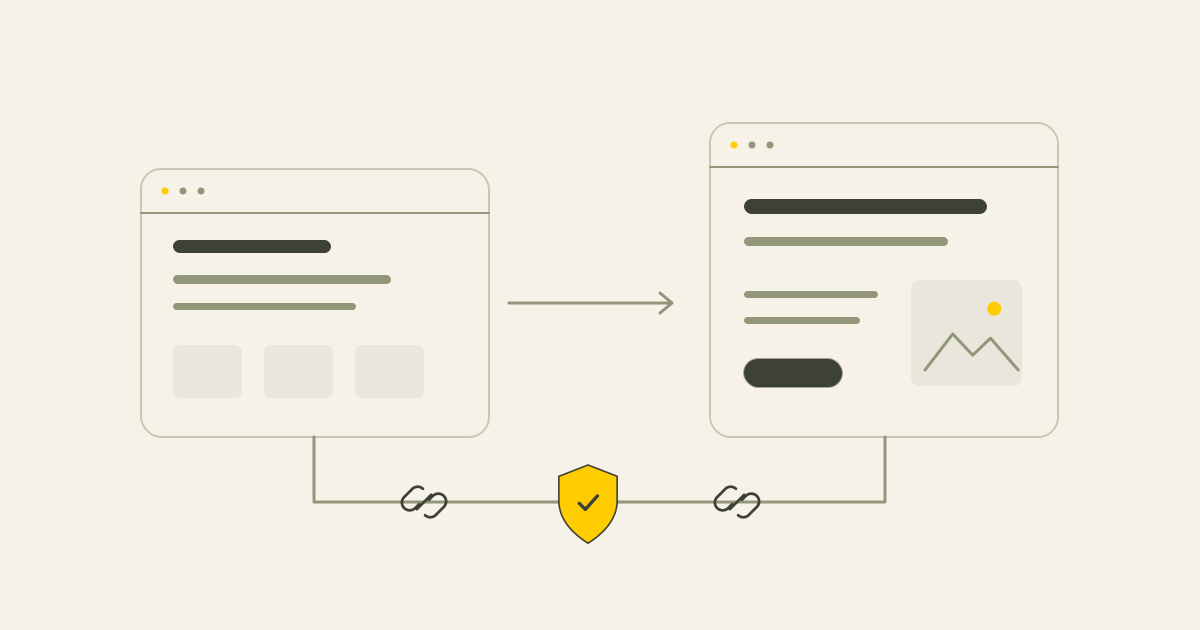
Reuse a suitable campaign URL for a recurring event, as Google recommends. A new URL without a year can be practical, but do not move a working page at the last minute just to remove a year. URL changes need their own plan.
Check that the page opens correctly, links to the relevant products and has the intended canonical and indexing settings. Search Console can show Google's known status. A successful live check does not guarantee indexing or a ranking, and recrawling can take days or weeks.
Make prices, variants and stock agree
Follow one exact variant through the product page, basket and checkout. Compare the visible price and availability with any existing product structured data and Merchant Center feed.
For example, suppose a fictional pair of ski goggles costs €80 including VAT, with €4.95 delivery. The expected total is €84.95. These euro figures explain the calculation and are not a Hartog Growth offer or a suggested market price.
Check the correct colour and size, the discount conditions and the delivery promise. A feed's sale-price dates do not by themselves switch on the shop's discount. Check the processed feed data as well as what you submitted.
A temporarily unavailable variant needs accurate availability information. It does not automatically require deleting the product URL. A technical rich-results validation does not guarantee a product listing or sale badge.
Make the offer and conditions clear
State the campaign period, any code, exclusions, minimum spend, delivery costs and return conditions where customers can find them before ordering. Keep advertised prices and the final payable total clear and consistent.
Pricing and discount rules depend on the market where you sell. The Dutch version of this guide discusses Dutch consumer rules, including the reference-price rules for announced reductions. Do not assume that a Dutch rule can be applied unchanged to a UK campaign. Check the current requirements for your own market and actual price history.
Use a real delivery promise that your stock and fulfilment arrangements can support. A discount setting in the shop does not replace clear customer information.
Check the buying journey safely
Use a real phone to inspect the landing page, variant selection, basket and checkout fields. Can a customer correct an error? Are the discount, delivery cost and total understandable?
Agree a safe full-order test with the shop or payment provider's administrator. Use the platform's documented test facilities. Do not put a live shop into test mode without planning, as this can stop normal payments. A real test order can affect stock and create charges.
Write down the expected result before testing. Include relevant cases such as an excluded product, a mixed basket, a delivery threshold, a second code, an unavailable variant or an abandoned payment. Check the order records and confirmation as well as the thank-you page. Keep test activity out of the campaign evaluation.
Before, during and after the campaign
In 2026, Black Friday falls on 27 November and Cyber Monday on 30 November. Work backwards from your own offer's actual start date.
Before launch, update the chosen pages and data, resolve buying problems and check relevant performance issues. A page-speed score is not a load test. Discuss hosting capacity when your expected traffic or previous problems justify it, rather than buying extra capacity automatically.
Avoid major platform, theme and URL changes around the event where possible. Necessary repairs and security updates still need a timely, tested approach. If a larger change is planned for later, use the SEO checklist for website redesign to account for your existing search visibility.
During the campaign, monitor stock, prices, payment problems and customer questions. Know who can act when an offer or delivery promise needs correcting.
Afterwards, restore prices, codes, banners and product data. A useful recurring campaign page can stay online with an ended-offer message and a route to current products. Do not leave expired discounts appearing active.
Measure the commercial outcome
Search clicks, paid orders and profit are different outcomes. Compare search performance with real orders and your records. Include discount, purchase cost, delivery, payment fees and returns.
More revenue does not automatically mean a more profitable campaign. Use the findings to improve the next offer rather than judging success from traffic alone.
Want to know which SEO improvement makes sense now?
Send me the shop address and explain the campaign you are preparing. We can discuss support for search visibility and page content. Payment testing, capacity assessment and major shop changes need their own agreed scope.
Sources
This article uses the following external sources.
Author
Timothy Hartog, SEO specialist and web designer at Hartog Growth.