When should you redesign your website?
Your website does not need replacing every year. A redesign is worth considering when the content, structure, technical setup or management no longer works for the business.
In this article
Short answer
Consider a redesign when the website no longer explains your business accurately, has structural or technical limits, works poorly on mobile or is difficult to manage. The aim should be to solve those problems, rather than change the appearance alone.
Key points
- A redesign should improve useful parts of the website beyond appearance.
- Changes in services, customers or working methods can leave the old content behind.
- Review existing pages, URLs and search visibility before rebuilding.
A website can stay useful for years if it is clear, maintained and suited to the business. Problems arise when the business changes but the site does not. Assess the content, structure, mobile use, management and contact route together.
Your website still describes the old business
Services, customers and working methods often change gradually. The site may still describe a single old service while the business now offers several distinct types of work.
Repeatedly explaining information that should already be on the site can be a sign that the content needs attention. A redesign may be appropriate when the information needs a different structure, rather than just updated wording.
- Changed services
- A clearer or different audience
- An approach the site does not explain
- Text that is too vague or no longer accurate
The presentation no longer reflects the business
An older appearance is not automatically a problem. A simple website may still be clear and credible.
Look at whether the presentation makes the information harder to use or creates uncertainty about the offer. A useful redesign improves clarity and consistency alongside appearance.
- You avoid sharing the site
- The site leaves important customer questions unanswered
- The presentation is cluttered or inconsistent
- It no longer reflects the work you provide
Visitors struggle to find the right route
Sites can become disorganised as pages are added and old material remains. Important services get buried and the next step becomes hard to find.
Review which pages are needed, where each service belongs and how people reach contact. This is a structure problem before it is a visual one.
- Confusing navigation
- Long text without useful headings
- No clear next step
- Important services hidden on older pages
The mobile experience is awkward
Read the site and use its menus, buttons and forms on a small screen. Text should remain readable and the contact route should make sense.
Do not assess a redesign from desktop screenshots alone. Loading behaviour, controls, forms and the order of information matter on mobile too.
Keeping content current is difficult
If small changes require technical work every time, old service descriptions, cases and questions can remain online too long.
Agree what you need to edit yourself and which CMS features support it. A practical redesign improves management as well as the pages visitors see.
Protect useful search information during the move
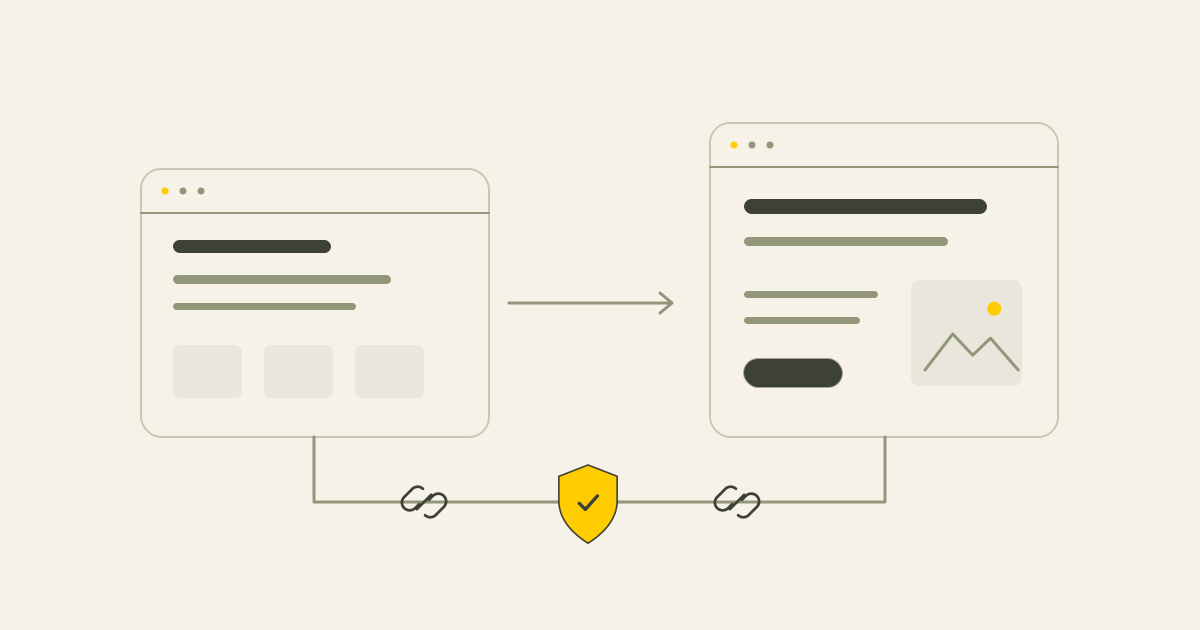
Review existing URLs, content, metadata and internal links before changing them. Decide which pages stay, which addresses change and where permanent redirects are needed.
Check the sitemap, indexing and Search Console after launch. The aim is to reduce avoidable mistakes. No redesign can promise zero ranking risk.
- Inventory important pages and URLs
- Plan relevant redirects
- Review headings and metadata
- Check internal links and the sitemap
- Monitor Search Console after launch
When targeted improvements may be enough
If the site is technically sound, usable on mobile, clear and manageable, a full rebuild may not be necessary.
Better content, a clearer service structure, a simpler contact route or focused technical changes may solve the problem. Read improve or redesign and the guide to a website with few enquiries before choosing the scale of the work.
What an initial website review covers
The free website review is a focused first assessment, with a short PDF and practical priorities. It is different from a full technical audit.
I look at the first impression, main pages, structure, mobile use, speed, selected SEO basics, contact route and manageability. That helps identify whether smaller improvements or a redesign is a better next step.
Conclusion
A redesign is useful when it solves a real problem in the content, structure, technical setup or management. Start with an assessment and preserve the parts that already work.
Common questions
How do I know a redesign is needed?
Look for inaccurate content, confusing structure, awkward mobile use, management difficulties or technical limits. A visual preference alone is not enough to decide.
Could optimisation be enough?
Yes, particularly when the technical and structural foundations still work.
Can a redesign be risk-free for SEO?
No. Inventorying URLs, content, redirects and indexing can reduce avoidable risk, but cannot guarantee unchanged rankings.
What happens to existing URLs?
Review which should stay and which need a suitable redirect when the structure changes.
Why check mobile use?
The text, controls, forms and contact options need to work on small screens as well as desktop.
Can I manage the site afterwards?
We agree the editable content and CMS setup before the project. Additional page types or functions may require extra work.
What does the free review cover?
A focused first assessment of presentation, structure, mobile use, speed, SEO basics, contact routes and manageability.
Sources
This article uses the following external sources.
Author
Timothy Hartog, SEO specialist and web designer at Hartog Growth.