Manage your website with a simple CMS
Good website management starts with the content you need to change. Agree the fields, permissions, publishing process and ongoing costs before choosing a platform.
In this article
Short answer
A CMS is the part of the website used to manage the content it has been set up for. That may include text, images or service information. The functions are agreed in advance. WordPress and Sanity are both options I work with.
Key points
- You manage the content included in the agreed setup.
- Ease of use depends on fields, permissions and guidance as well as the platform.
- An SEO project on an existing site does not automatically require a new CMS.
A familiar platform can be useful, but the name alone does not tell you how easy the site will be to maintain. I look at the content, existing setup and tasks you want to handle. The choice may be WordPress, Sanity or a suitable headless arrangement.
What a CMS does
CMS means content management system. It provides an editing area for the content it has been configured to manage, without requiring changes to the website code.
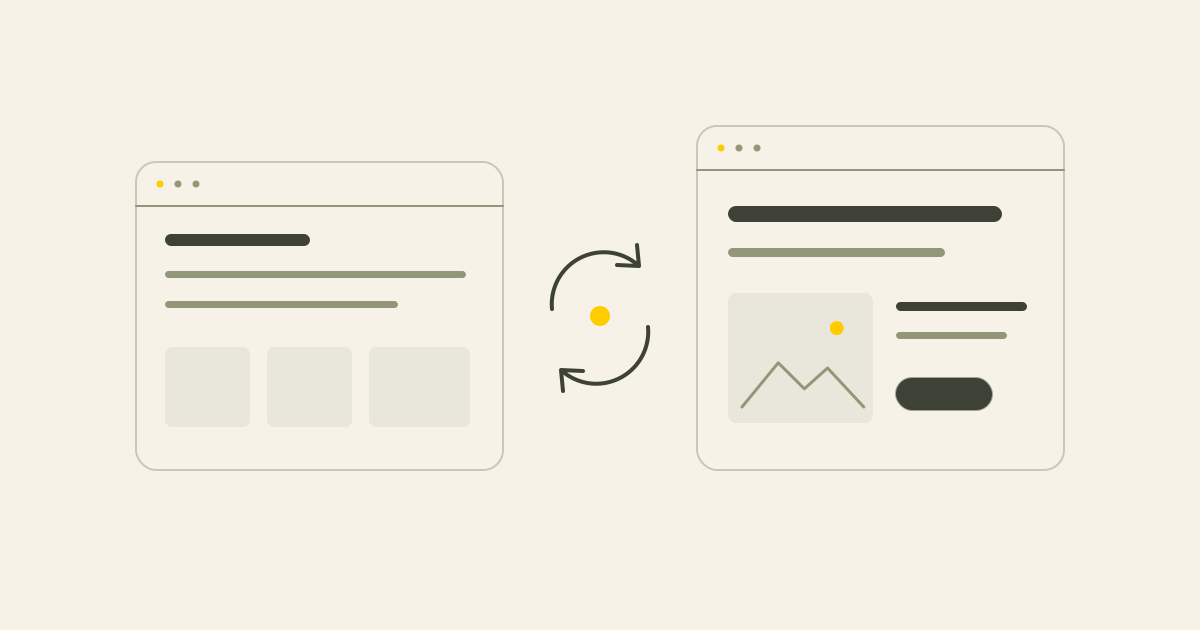
The editing system and the website have different roles. One helps you enter information. The other decides how that information is presented to visitors.
Decide what you want to edit
Occasional changes to text and photos involve different needs from regularly adding services, cases and articles.
Essential includes basic content management. More extensive projects may include a larger content structure. The possibilities below are examples to agree, rather than features included automatically.
- Text and images on existing pages
- Services or cases where configured
- Articles and FAQs within the agreed structure
- Page titles and search descriptions
- Practical business information
Choose technology around the project
An existing, useful WordPress site may be worth improving. For a new custom website, a focused Sanity setup may suit the content requirements.
Discuss hosting, access rights, recurring costs and future additions. A platform name does not define the editing scope or cost on its own.
WordPress and Sanity in practice
WordPress can combine editing and the visible website in one setup. Existing themes and plugins may remain useful. Sanity provides a separate editing environment that can be configured around particular content fields.
Both require deliberate choices. Familiarity, existing functions and the people doing the editing all matter.
| Option | When it may fit | Agree beforehand |
|---|---|---|
| WordPress | A useful existing site or a preferred, familiar editor | The content, functions and extensions you manage |
| Sanity | Focused editing for a custom website | The content fields, permissions and publishing steps |
What headless means
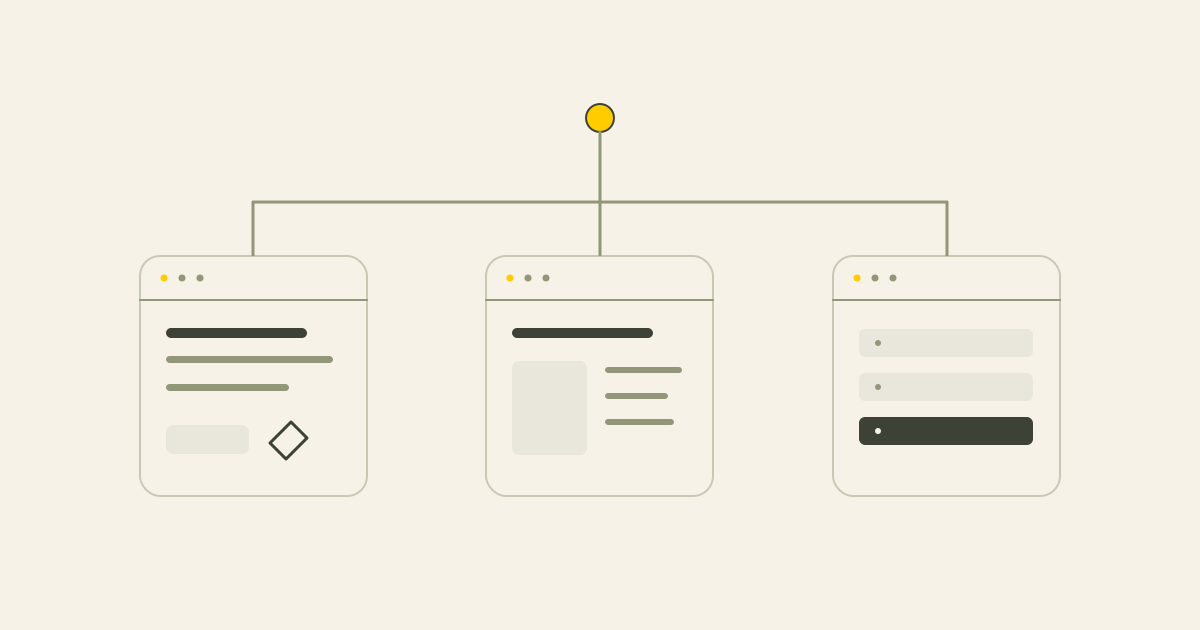
In a headless setup, content management and the visible website are technically separate. The website retrieves content from the CMS. This can be done with Sanity or WordPress.
It is an option, not a requirement for every project. The build, publishing, integrations, maintenance and handover need their own decisions.
Change content within an agreed design
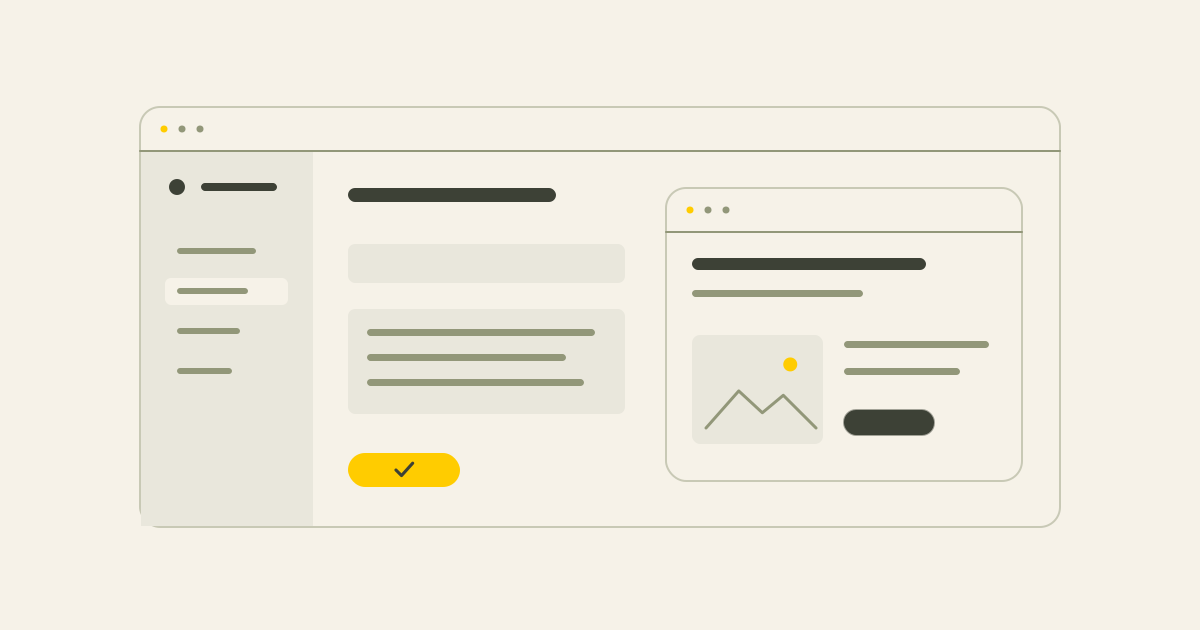
Focused content fields can help stop a routine text update from changing the page layout. You edit the information within the design that has been set up.
More editing freedom is not always more useful. Fixed service fields may be enough, while some businesses need the ability to add or move sections. Agree the appropriate level of control.
Keep editing and SEO connected
Useful editing fields can make titles, descriptions and page content easier to maintain. New pages also need a place in a sensible structure.
I can review the existing setup as part of technical SEO or local SEO. Moving to a new CMS is not an automatic condition for SEO work.
Agree guidance, support and costs
At handover I explain the content features included in the project. You remain responsible for checking business facts and service details. Additional writing or new page types can be agreed separately.
Hosting, licences, paid extensions and ongoing maintenance have their own costs and agreements. See website maintenance for optional support after launch.
Prepare a useful editing brief
List what you need to change, how often and who will do it. Record the content and systems you already use.
That gives a better starting point than choosing a platform first. We discuss those requirements when planning a new website with suitable content management or a redesign project. A website review can provide an initial view of the current setup.
Conclusion
Choose an editing setup around real tasks, then agree its features, rights, guidance and costs. Both WordPress and Sanity can be useful. What you can change follows the project agreement.
Common questions
Can I manage my site with Sanity or WordPress?
Yes. I work with both and choose the setup around the project and existing site. WordPress does not have to be used headlessly.
What can I change in a headless CMS?
The fields and content types included in the setup. Headless describes the technical separation, not a fixed list of editing features.
Is Sanity easier than WordPress?
That depends on the user and configuration. A focused set of fields can help, while a familiar WordPress editor can also be suitable.
Can WordPress be headless?
Yes. It can manage the content while the visible site is built separately.
Does a particular CMS guarantee good SEO?
No. Content, page structure, technical access and implementation matter more than the platform name.
Can I add pages or articles later?
If that has been configured within the agreed structure. New page types or functions may require extra work.
When is WordPress useful?
For example, when it is already working well, contains useful content or supports functions you want to keep.
Can editing break the layout?
Fixed content fields can reduce that risk. The amount of design control depends on the agreed setup.
Sources
This article uses the following external sources.
Author
Timothy Hartog, SEO specialist and web designer at Hartog Growth.