Should you create a ChatGPT business profile?
What Business Hub can help you manage, and the decisions worth making before you verify a profile.
In this article
Short answer
A business profile gives an eligible business a way to provide and maintain information in ChatGPT. Business Hub can also show aggregate activity. Check eligibility, verification, privacy and the terms first. Claiming a profile does not buy a better position in answers.
Key points
- Availability depends on the business type, country and supported verification.
- A profile, a business agent, advertising and a ChatGPT Business subscription are different things.
- Identity verification can lead to automatic publication of a new profile.
- You do not gain exclusive control over what ChatGPT says about your business.
OpenAI introduced Businesses in ChatGPT as a beta on 10 November 2026. It offers another place to manage business information, but it is worth understanding the requirements before you start. Availability and the screens can change during the beta.
What can you manage?
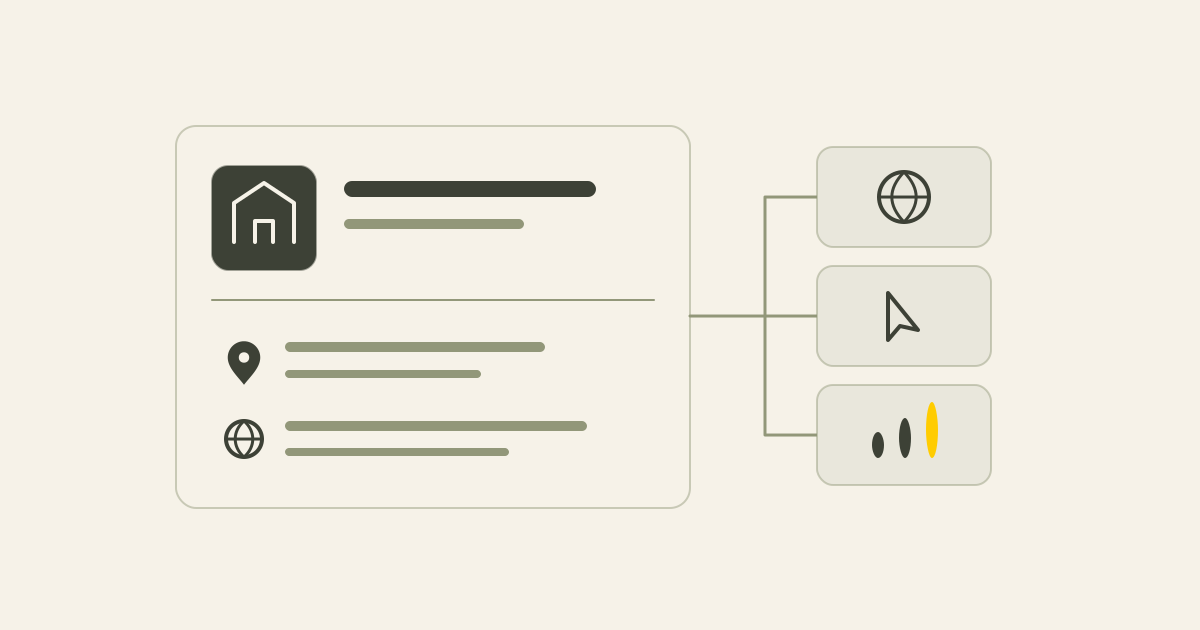
Business Hub lets an authorised owner or representative provide details such as a description, category, website and contact information. Both the business claim and Persona identity check must be approved before you can publish changes. Suitable ecommerce businesses can also provide product information through a feed.
Describe what you do, who you help and how customers work with you. Specific service information is more useful than a general promise to help businesses grow. Keep the description consistent with your website.
A profile can give someone a route to your website. Make sure they can find the relevant service and a clear next step when they arrive.
Check availability for your business
An eligible business may be able to claim an existing listing or create a new one where ChatGPT and the required verification are supported. Having a website does not guarantee acceptance.
OpenAI currently limits local stores and restaurants to claiming an existing US listing. A UK shop should therefore check the current options rather than assume the online-business route applies.
Choose the type that accurately describes your business. Do not misclassify it to get access to a feature.
What do the insights mean?
Once both your claim and Persona identity check are approved, Business Hub can show aggregate activity for the past 28 days. You do not receive individual customer conversations or prompts.
For an online business, the reported mention metric concerns references to the website, rather than a brand name alone. Website clicks show visits initiated from ChatGPT, not confirmed enquiries. Discovery topics describe themes, rather than individual questions or purchase intent.
A blank metric does not necessarily mean nothing happened. Activity may be below the reporting threshold, still collecting or temporarily unavailable. Use the data as one signal alongside your own website and business records.
Profile, agent, ads and subscription
| Term | Purpose |
|---|---|
| Business profile | Manage public business information through Business Hub |
| Business agent | An optional AI representative that customers can choose to chat with |
| Advertising | Paid placements with a separate advertising relationship |
| ChatGPT Business | A workspace subscription for an organisation's use of ChatGPT |
Business agents have separate requirements
At launch, agents are available to eligible ecommerce and online service businesses in the US with a website, subject to industry requirements. A UK business profile does not automatically make an agent available.
An agent has its own review and publishing decision. A business profile and an agent should not be treated as the same setup task.
Prepare for verification and maintenance
Have your business details and a short description ready. Claim verification may use a business phone, business email, website domain or Shopify, depending on the options offered. Arrange help with DNS if you choose the domain route. The setup guide explains the options and domain verification.
Persona approval is required before you can publish profile changes, view insights or connect a product feed. You may be asked for a government-issued document, registration information and evidence that you can represent the business. Complete the identity check yourself through the official process.
If you create a new profile through Persona, approval publishes it automatically without another publication button. Only an unpublished draft can be deleted. OpenAI says Support cannot delete, unpublish or hide a published profile as part of a business setup or ownership request. Check your details and publication decision before submitting.
Assign responsibility for updates. A changed phone number, website or service should be reflected in the profile as well as on your own site.
Consider the privacy information before sharing documents
Identity documents and a selfie are different from public business information. Read the notices shown in your own verification flow, including who receives the documents, the purpose of any facial comparison and the retention information.
Persona says the organisation requesting the check can have access to the documents and verification result. Read the notices in your own verification flow to understand the arrangement that applies to you.
Persona's identity-verification privacy policy says it does not use personal verification data, including biometric data, for AI or model training or for marketing. This describes Persona's processing. It is not a general promise about every party or your public business information.
You can request deletion from Persona and the organisation requesting the check. Legal or other applicable retention obligations can limit complete or immediate deletion. The public guidance does not give one fixed retention period for this particular Business Hub check.
If a selfie comparison is requested, read the explanation and express-consent information about any processing of facial or biometric data before continuing. Ask for clarification if the use or retention is unclear.
Only share identity documents through the official verification flow. Never place them in public profile fields.
What control do you gain?
You can submit your own information, but OpenAI may use other sources, supplement or replace details, or decline to display submitted information. A business may appear in answers without a claimed profile.
The terms give a perpetual, irrevocable display-use licence for certain basic business information submitted for public display. Read the current terms in context before agreeing.
Section 4.1 of the terms, updated on 18 November 2026, also says that using Business Hub allows OpenAI's AI assistant to call your business on users' behalf. Use the opt-out link in that section if you do not want those calls.
Claiming the profile gives no guarantee of extra visitors, customers or preferential recommendations. Keep improving your own website and reliable independent listings as part of a wider AI search visibility approach.
When should you register, and when should you wait?
A profile may be useful if your business is eligible and you are comfortable with the verification and terms. Resolve any questions about documents or publication first, then follow the Business Hub setup guide.
Sources
This article uses the following external sources.
Author
Timothy Hartog, SEO specialist and web designer at Hartog Growth.