What is an SEO-friendly website?
SEO-friendly design starts before the visual design. It connects the information visitors need with a structure that search engines can understand.
In this article
Short answer
An SEO-friendly website is organised for visitors, search engines and the business owner who manages it. It has clear pages, useful content, accessible technology and a sensible next step.
Key points
- Page purpose and search intent belong in the early planning.
- Design supports trust, while content and technical structure explain the offer.
- A sound foundation makes later additions easier, without guaranteeing rankings.
Adding a few keywords to an attractive website is not a complete SEO approach. The structure, content, links, technical setup and contact route need to work together. I consider those decisions before turning the plan into a design.
Plan the information before the design
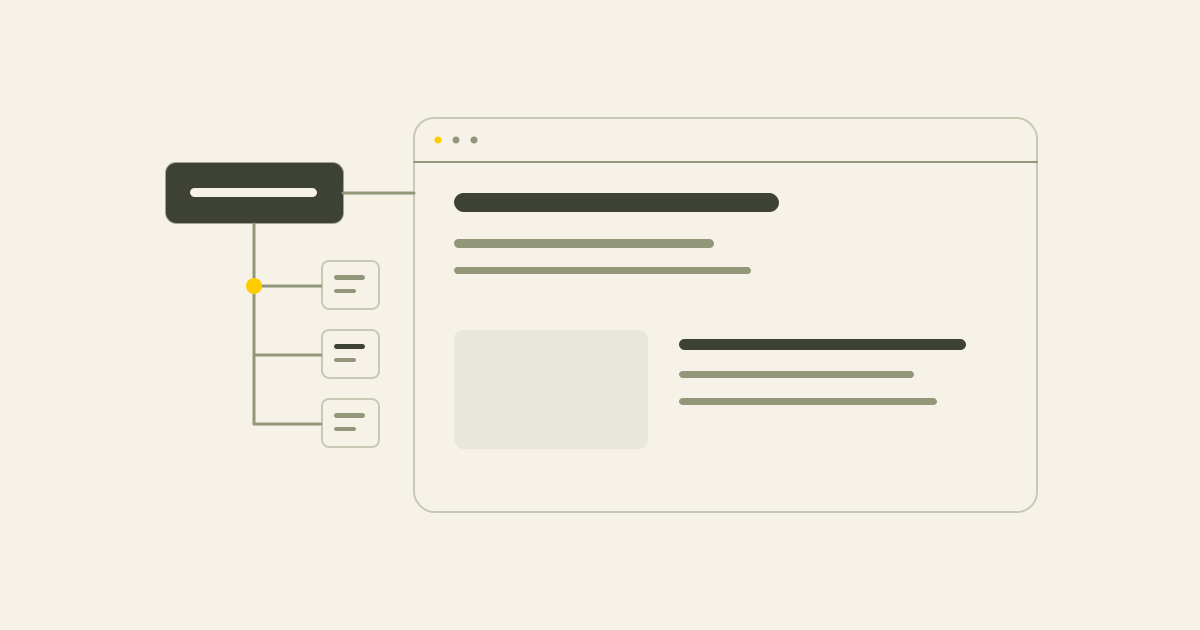
Decide which pages are needed, which services deserve a separate explanation and what the reader wants from each page. Plan headings, links and the next step as part of that structure.
Also decide which content needs to be editable in the CMS. Design should make the route easier to follow, rather than determine the entire content plan.
- Necessary pages and distinct services
- The question or intent each page serves
- Useful main and section headings
- Links between related information
- A suitable next step
- Content the owner needs to manage
What the foundation includes
Clear URLs, descriptive page titles, readable headings and useful content give visitors and search engines context. Important content should be available in accessible HTML, with a mobile experience that works.
For a small business, this often means the right set of pages rather than hundreds of pages.
- Clear page addresses
- A clear main heading and sensible section structure
- Useful page titles and descriptions
- Accessible content and technical setup
- Content matching the reader's question
- Relevant internal links
- A straightforward route to contact
- Content management suited to the business
Why appearance alone is not enough
A site can look professional while hiding its services, using unclear headings or placing contact options where readers struggle to find them.
Good design helps people trust and use the information. It does not replace a clear explanation of the offer.
Common signs that the foundation needs attention
A site does not have to be perfect to be useful. Look for choices that make the content harder to find, understand or maintain.
- Distinct important services are buried on one general page
- Headings are creative but unclear
- Confusing page addresses
- Missing or repeated metadata
- Few useful internal links
- Slow or awkward mobile use
- Hidden contact options
- Missing relevant local information
- Vague text
- A CMS that makes sensible changes difficult
Technical foundations
The technical setup affects whether pages can be read, loaded and used. Relevant checks include accessible HTML, mobile layout, performance, canonical URLs, sitemap, robots.txt, metadata and image descriptions.
Structured data can describe visible organisation or article information where appropriate. It does not replace the content and does not guarantee a special search appearance.
These foundations also support AI search visibility, which still depends on clear, reliable information.
Website structure and content
The homepage should make the business clear. Give an important, distinct service its own page where that helps customers and matches a real search question.
Cases can provide evidence, articles can explain a topic and FAQs can address uncertainty. The right content depends on whether someone is researching, comparing or ready to contact you.
Internal links and local information
Connect service pages to relevant cases and articles. Use links that describe their destination so readers know what to expect.
For local businesses, explain the actual service area, contact details and relevant experience. Avoid creating many near-identical town pages. Keep an eligible Business Profile consistent with the website.
See technical SEO and local SEO for help with an existing site.
Protect useful pages during a redesign
A new appearance should not mean losing important existing pages, information or external links. Review current URLs, plan redirects where needed and carry relevant content and metadata into the new structure.
Check internal links and monitor Search Console after launch. This reduces avoidable mistakes without guaranteeing unchanged rankings. The SEO migration checklist explains the checks.
The contact route matters too
Search visibility is only part of the job. Visitors still need to understand the next step, whether that is a conversation, proposal or website review.
Use clear calls to action, contact options in suitable places and forms that ask for what is needed. Useful FAQs can help someone decide. You do not need a loud button in every section.
A practical checklist
Assess the structure and manageability as well as appearance.
- Do important services have clear explanations?
- Does the main heading describe the page naturally?
- Are titles and descriptions useful and distinct?
- Does the site work comfortably on mobile?
- Does it load reasonably?
- Are internal links clear and relevant?
- Is local context accurate where needed?
- Can people find the next step?
- Can agreed content and SEO fields be managed?
- Are the sitemap and robots settings appropriate?
- Does any structured data match visible information?
How I approach website projects
I bring page planning, the technical setup, headings, metadata, internal links, local information and content management into the website work within the agreed scope.
A full keyword study, extensive copywriting or ongoing SEO are separate where they are not included in the package. The goal is a clear, manageable site prepared for sensible future work, rather than a promise of fixed Google positions.
Conclusion
An SEO-friendly website connects useful content, clear structure, accessible technology, local context where relevant and a practical next step. A website review can help assess the current foundation, while a full project starts with agreeing what the business needs.
Common questions
Does an SEO-friendly website need many pages?
No. A focused set of useful pages may be better than a large site without a clear purpose.
Can SEO be added later?
Yes, although considering it during planning may avoid work to correct the original structure.
Can a small website be SEO-friendly?
Yes, if its content is clear, important pages are accessible and the technical setup supports use and search.
Why do headings and titles matter?
They explain the topic. The main heading is visible on the page, while the title can appear in browser and search information.
Does every service need its own page?
Distinct, important services often do. Small or overlapping parts of an offer may be clearer together.
Is speed the only technical factor?
No. It supports use, but content access, indexing, structure and other technical details matter too.
What does conversion have to do with SEO?
People arriving from search still need to understand the offer and the next step.
Is SEO-friendly the same as GEO-ready?
They overlap. GEO work adds attention to AI search questions, sources and how business information is represented.
Can an existing website be improved?
Often yes, through content, metadata, structure, internal links, performance and a clearer contact route.
Sources
This article uses the following external sources.
Author
Timothy Hartog, SEO specialist and web designer at Hartog Growth.