Google Business Profile optimisation: a practical checklist
Keep your Google Business Profile complete, accurate and useful to local customers. Work through the main settings without chasing ranking shortcuts.
In this article
Short answer
Verify the profile, choose an accurate primary category and keep your name, contact details, opening hours, services and photos up to date. Ask for honest reviews and respond thoughtfully. No setting guarantees a local ranking.
Key points
- A complete profile helps people and Google understand what you do, where you work and when you are available.
- Your profile and website should support each other with consistent business details and services.
- Google describes relevance, distance and prominence as the main groups of factors in local results.
Google My Business is now called Google Business Profile. Optimising Google My Business therefore means working on the same listing in Search and Maps. It may be the first information someone sees about you. Before visiting your website, they can see your name, location, category, hours, photos and reviews. A complete profile answers practical questions and works alongside your website.
Want to understand how your profile, website and local pages work together? Explore local SEO for service businesses.
Local SEO services1. Check eligibility, ownership and business details
Check that your business is eligible before setting up or improving a profile. Google requires in-person contact with customers. An online-only business is not eligible. Use a genuine customer-facing location or an appropriate service area, rather than presenting a correspondence address as a place customers can visit.
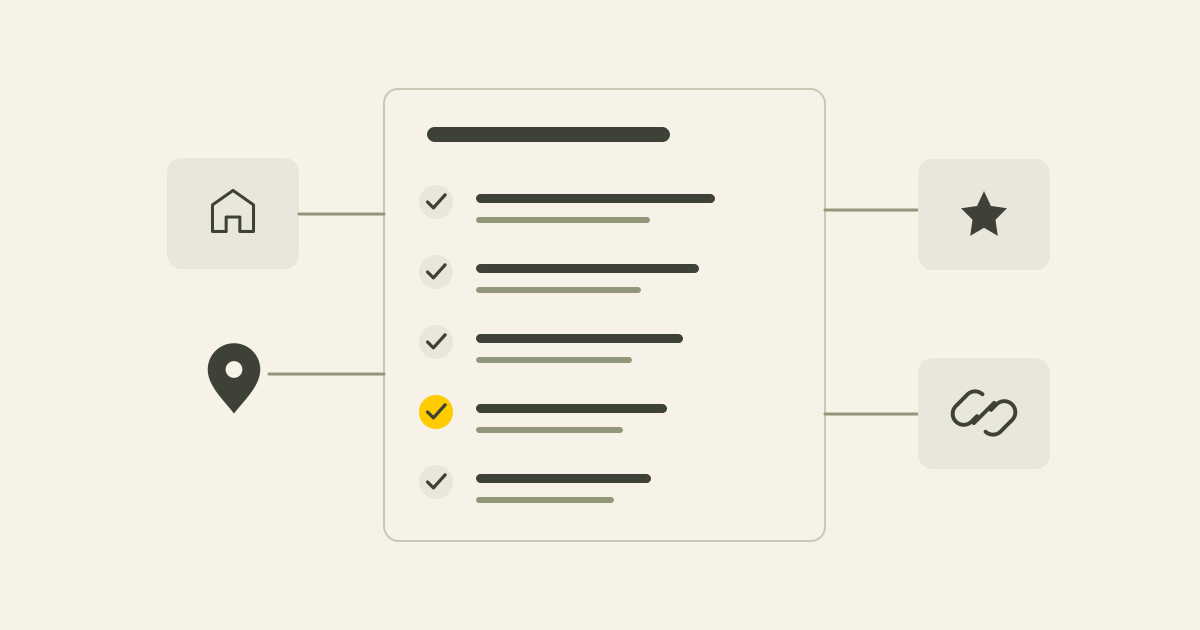
Verify the profile and check the business name, website, telephone number, address or service area, and opening hours. Use your real name without adding places or keywords that are not part of it.
Keep holiday and exceptional opening hours accurate. An incorrect schedule can lead to missed calls, wasted visits or customers choosing another provider.
- Verified ownership
- A consistently written, real business name
- A working phone number and website address
- An accurate address or realistic service area
- Current regular and special opening hours
How to edit your Google Business Profile
Open your own profile in Google Search or Maps while signed in as an owner or manager. Select Edit profile, choose the information to change and save it. Check what a visitor sees afterwards. Google may review changes before displaying them.
- Check regular and special opening hours.
- Choose categories that describe your current activities.
- Complete available services and attributes that apply to your business.
- Compare your phone number, website and location details with your contact page.
2. Choose a category that describes your main activity
The primary category should describe what your business actually is. Do not choose it only for search volume or add categories on the assumption that more is better.
Use additional categories when they describe genuine parts of your offer. Those services should also be explained on your website, so the profile and website give people a consistent picture.
3. Explain services and relevant details clearly
Use the description to explain who you help, what you offer and where you work. Avoid lists of place names or repeated keywords. A few clear sentences should help someone decide whether your business fits.
Add services and relevant attributes where those options are available. Give important services a clear place on the website too. The profile can start someone's interest, while your website explains the offer in more detail.
If important service or area pages are missing, read about local landing pages.
4. Use current photos of your business
Where possible, use real photos of you, your team if you have one, your workplace, projects or approach. A few current, useful images can explain more than a large set of generic stock photos.
Review the cover image, logo and customer photos periodically. Images help recognition and trust. They are not a separate ranking trick.
5. Ask for honest reviews and respond
After completing work, ask the customer for an honest review and make it straightforward with your profile's review link. Do not offer discounts, gifts or other rewards in exchange. Google's policies prohibit incentivised reviews.
Respond to positive and critical reviews without sharing private information or arguing. A calm response shows future customers how you communicate when things go well and when something needs attention.
Read more about a fair review process in collecting reviews for local search.
6. Keep the profile and website consistent
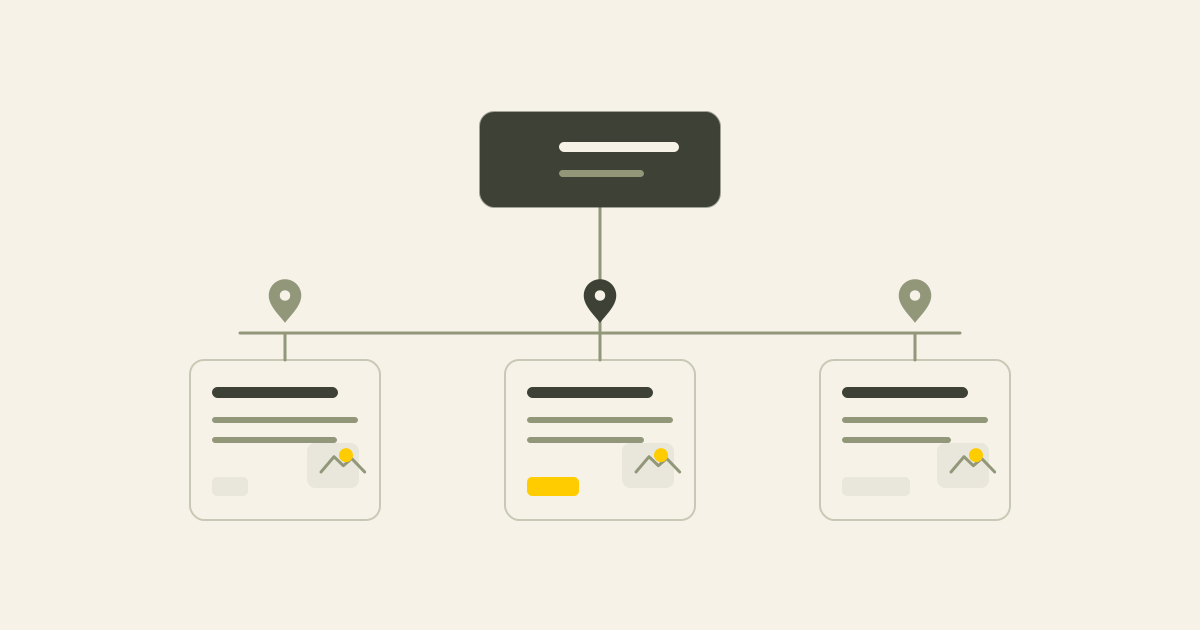
Use the same name, contact information and core description on both. Link to a suitable page and make the service, location and working area clear.
An eligible profile can appear in Search and Maps without a website. Read what is possible without your own site to understand the limitations.
For one location, a clear contact or location page is often enough. If you serve a wider area from one base, explain that honestly instead of making a near-identical page for every place.
| Detail | Business Profile | Website |
|---|---|---|
| Business name | Real business name | The same spelling |
| Services | Relevant services | A useful explanation of each main service |
| Location | Address or service area | A contact or location page with genuine context |
| Reviews | Real customer reviews | Relevant cases or testimonials |
| Contact | Current phone number and link | A contact route that works on mobile |
7. Review performance carefully
Look at how people find the profile and which actions are recorded, such as website visits, call interactions and requests for directions. Compare this with Search Console and website measurement to understand the role of local pages and search queries.
A recorded call interaction is not proof that a call was completed. Avoid judging the result from one week. Seasons, competition, distance and search behaviour all affect the picture. Look over a longer period and fix information that is clearly incomplete or outdated.
A quarterly profile checklist
Review these points at least quarterly and after important business changes.
- Ownership is verified and the right person can manage the profile
- The name, categories, phone number and website are correct
- The address or service area is represented honestly
- Regular and special opening hours are current
- Services and description match the current offer
- Logo and photos represent the business as it is now
- New reviews receive a suitable response
- The website and profile use the same core information
- Profile actions are reviewed periodically
Conclusion
A useful Google Business Profile is accurate, current and recognisable. It answers practical questions and supports your website. Treat it as one part of local SEO, with the website providing the detail people need before contacting you.
Common questions
How often should I update the profile?
Check it at least quarterly and whenever hours, address, phone number, services or availability change.
Can I pay for a better local organic ranking?
Google says you cannot request or pay for a better local organic ranking. Advertising is separate from ordinary local results.
Do I still need a website?
The profile provides quick practical information. Your website gives you room to explain services, process, experience, cases and contact options in your own structure.
Should I add every service area to my business name?
Use your real business name. Adding locations or keywords that are not part of it can breach Google's guidelines.
Are more categories always better?
Choose a primary category that accurately describes your main activity and add only categories that genuinely fit your offer.
Sources
This article uses the following external sources.
Author
Timothy Hartog, SEO specialist and web designer at Hartog Growth.